Quick answer
What are digital patient engagement tools?
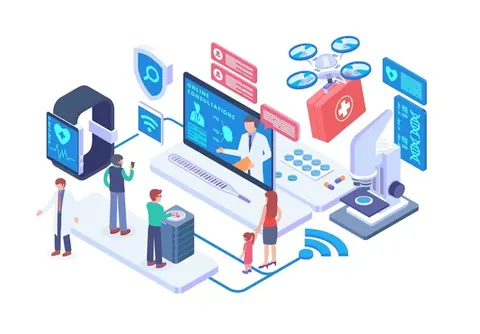
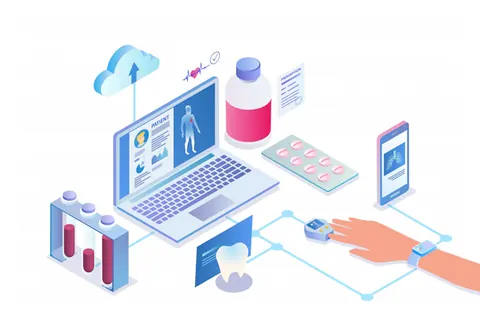
They are apps, portals, messages and connected devices that let patients book care, see their records, consult remotely, share readings and give feedback outside a face-to-face visit. The main types are:
- Patient portals and personal health record (PHR) apps
- Appointment booking, queue and reminder systems
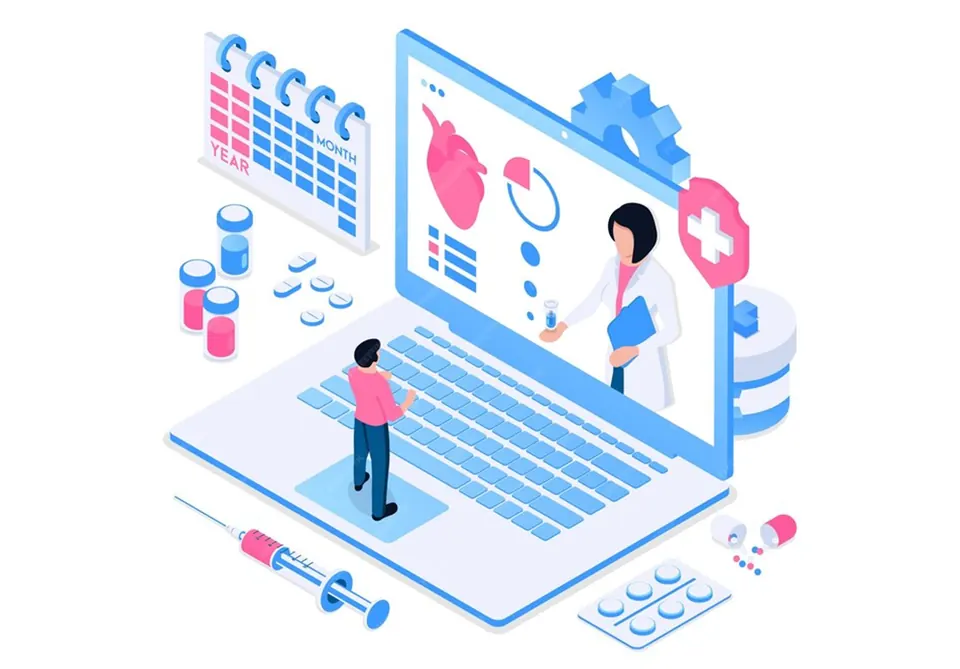
- Telemedicine and teleconsultation
- Remote patient monitoring
- Patient education content
- Feedback and survey tools
In this article (7 sections)
Digital patient engagement tools in Indian hospitals now connect to national infrastructure such as the Ayushman Bharat Digital Mission (ABDM), and they must follow the Telemedicine Practice Guidelines and the Digital Personal Data Protection Act, 2023. This guide covers the six main types of tool, the benefits, whether to buy one platform or separate tools, how to implement them and the challenges to plan for.
Tools and platforms: what the terms mean
A digital patient engagement tool does one job, such as sending appointment reminders or collecting feedback. A patient engagement platform, sometimes called a patient care platform, combines several of these jobs in one system, usually connected to the hospital information system (HIS) or electronic health record (EHR) so that information entered once is available everywhere.
Engagement itself means patients and their families take an active part in decisions and in their own care. The tools only help if they make that easier: clearer information, fewer trips and faster answers.
Types of digital patient engagement tools
Patient portals and personal health record apps
A patient portal is run by the hospital and lets patients see their own records there: lab and imaging reports, prescriptions, discharge summaries and bills. A personal health record (PHR) app is controlled by the patient and can hold records from many providers.
ABDM, launched in September 2021, links the two. Each person can have an Ayushman Bharat Health Account (ABHA), a 14-digit health identifier. Hospitals using ABDM-enabled software can link the records they create to a patient’s ABHA and, with the patient’s consent, see records from other facilities. Consent can be time-bound and withdrawn. ABDM also runs registries of health facilities and healthcare professionals, and the government’s Aarogya Setu app was relaunched in June 2026 as a personal health record app under ABDM.
Appointment booking, queues and reminders
Online booking, digital queue tokens and SMS or app reminders are often the simplest place to start, because they tackle problems every hospital has: crowded OPDs, long waits and missed appointments. Reminders work for follow-ups, vaccinations, medicine refills and pre-procedure instructions as well as appointments.
Under ABDM’s Scan and Share service, launched in 2022, patients scan a QR code at a participating facility to share their ABHA details and get a digital queue token, instead of filling in a registration form. Our guide on how to improve patient flow in a clinic covers the wider process changes that make this work.
Telemedicine and teleconsultation
Teleconsultation by video, audio or text suits follow-ups, test result discussions, chronic disease reviews and patients who live far away. In India, it is governed by the Telemedicine Practice Guidelines, released on 25 March 2020 by the Board of Governors in supersession of the Medical Council of India, together with NITI Aayog, as part of the professional conduct regulations for doctors. Key points:
- Only registered medical practitioners may provide teleconsultations.
- The doctor and the patient must identify each other, and the doctor should display their registration number.
- Consent is implied if the patient starts the consultation; explicit consent is needed if the doctor or a health worker starts it.
- The guidelines limit which medicines can be prescribed remotely, and medicines on the prohibited list, such as narcotic drugs, cannot be.
- Doctors must keep records of teleconsultations.
The Ministry of Health also runs eSanjeevani, a national telemedicine service for patient-to-doctor and doctor-to-doctor consultations.
Remote patient monitoring
Connected blood pressure monitors, glucometers, pulse oximeters and wearables send readings from home to the care team. This helps with chronic conditions, high-risk pregnancies and the first weeks after discharge. The device is the easy part. Decide in advance who reviews the readings, what counts as an alert and how fast someone responds. Our article on the benefits of IoT in healthcare looks at connected devices in more detail.
Patient education
Short videos, leaflets sent by message and condition-specific content in the patient’s own language help patients prepare for procedures, manage medicines and recognise warning signs after discharge. Digital content works best as a follow-up to a conversation, not a replacement for it; see our article on the benefits of patient counselling.
Feedback and surveys
Feedback tools close the loop by telling the hospital what patients experienced, through QR codes at wards, OPDs and billing counters, discharge surveys and real-time alerts that let a manager fix a problem before the patient leaves. NABH’s 6th edition hospital standards added annexures on patient-reported experience measures (PREMs) and patient-reported outcome measures (PROMs). Our list of real-time patient feedback tools compares the options, including LazyMonkey’s patient feedback system for hospitals.
Benefits for patients and hospitals
- Convenience and access: fewer trips and shorter waits, which matters most for older patients, people with disabilities and those who travel far.
- Better-prepared patients: reminders and clear instructions help patients keep appointments, follow treatment plans and arrive ready for procedures.
- Continuity of care: with consent, records can follow the patient between providers through ABDM, reducing repeated tests and history-taking.
- Earlier warning: remote monitoring and real-time feedback flag problems while they can still be fixed.
- Lighter front-desk workload: online booking, digital registration and automated reminders reduce phone calls and paperwork.
- Data for improvement: usage, waiting times and feedback give quality teams evidence for NABH and internal reviews.
One platform or separate tools?
| Approach | Suits | Watch out for |
|---|---|---|
| Modules of your HIS or EHR | Hospitals that want one vendor and shared data | Weaker features than specialist tools |
| Dedicated engagement platform | Groups with several sites and many patient journeys | Cost, and integration work with the HIS |
| Separate specialist tools | Starting small with one clear problem | Data spread across systems and double entry |
Whichever route you take, check that the system can exchange data with your HIS and, where you want to link records to ABHA, that it is ABDM-enabled. Our guide to the components of a health information system explains how the pieces fit together.
How to implement digital patient engagement
- Start with a problem. Pick one measurable issue, such as OPD waiting time, missed follow-ups, discharge delays or complaints, rather than buying technology first.
- Know your patients. Find out which phones, languages and messaging channels they use, and how often a family member manages their care.
- Choose tools that fit. Check integration with your HIS, ABDM readiness, language support, security, and a fallback for patients who do not use smartphones.
- Set up privacy from day one. Write clear consent notices, collect only the data you need and decide who can see what.
- Assign owners. Every message inbox, alert and feedback queue needs a named team and a response time.
- Pilot, then expand. Run the tool in one department, fix what does not work, then roll it out.
- Help patients start. Use QR posters, SMS links and front-desk staff who can help patients register.
- Measure and adjust. Track uptake, no-show rates, waiting times, response times and feedback scores, and review them monthly.
Challenges and how to handle them
Digital literacy and access
Not every patient has a smartphone, mobile data or the confidence to use an app. Keep phone, SMS and in-person options, offer assisted registration at a help desk, and design for the caregiver as well as the patient. Simple SMS links that open in a browser can reach patients who will never download an app.
Language
A tool that only works in English excludes many patients. Offer content and forms in the languages your patients actually speak, have translations checked by native speakers, and prefer plain words and pictures over medical terms.
Privacy and data protection
Patient data collected or stored digitally is personal data under the Digital Personal Data Protection Act, 2023. Its rules were notified on 14 November 2025 with an 18-month phase-in. As the data fiduciary, the hospital must:
- give a clear notice explaining the specific purpose for which data is collected;
- keep reasonable security safeguards;
- tell affected patients, and the Data Protection Board, about a personal data breach;
- respond to requests to access, correct or erase data;
- publish a contact for data protection queries.
Choose vendors who will sign a data processing agreement, avoid sending clinical information through personal messaging accounts, and set retention periods that respect medical record rules. See our guides on health data retention policies in India and confidentiality and security in feedback systems.
Integration and workload
Tools that do not connect to the HIS create double entry and missed messages. An unanswered message damages trust, so budget staff time for responding, not only for set-up.
Frequently Asked Questions
What is the difference between a patient portal and a PHR app?
A patient portal belongs to a hospital and shows the records that hospital holds. A personal health record app belongs to the patient and can bring together records from several hospitals, labs and clinics. ABDM-linked PHR apps can fetch records from connected facilities with the patient’s consent.
Is teleconsultation legal in India?
Yes. Registered medical practitioners can consult patients by video, audio or text under the Telemedicine Practice Guidelines issued in March 2020. They must follow the same professional standards as in person, including rules on consent, identification, records and which medicines may be prescribed remotely.
Does the DPDP Act apply to patient feedback?
It applies when the feedback can be linked to an identifiable person, for example through a name, phone number or patient ID. Truly anonymous feedback is not personal data, so collect identifying details only when you need them, such as to follow up on a complaint.
How do you measure whether patient engagement tools are working?
Track how many patients use each tool and whether the problem it targets improves: no-show rates for reminders, waiting times for queue tools, response times for messages and alerts, and satisfaction scores and complaint trends for feedback. Review the figures monthly and drop or fix tools that patients do not use.
Are patient engagement tools suitable for small hospitals and clinics?
Yes, if they start small. SMS reminders, a QR-based feedback system or teleconsultation for follow-ups can run without a large IT team. Choose tools that can grow with you and connect to your HIS later.
Filed under Hospital Technology · First published